Summarize a voice recording on iPhone
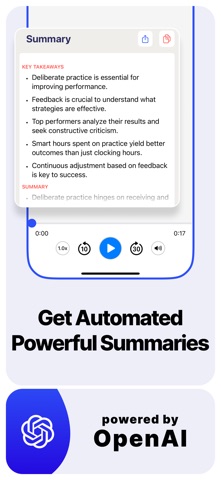
Turn a spoken note into a short AI summary in AllNotes. Use the summary to find the main points and the transcript or audio to verify details.
How to summarize a recording
- Record the conversation or voice memo in AllNotes.
- Open the completed note and read the summary when processing finishes.
- Check decisions, deadlines and names against the transcript. Replay key passages before acting or sharing.
Example spoken memo and summary
Illustrative example written by AllNotes.
“Let’s send the draft on Thursday. We’ll hold off on the Friday launch until the checkout test passes. I’ll rerun the test tomorrow.”
- Send the draft on Thursday.
- The Friday launch depends on a passing checkout test.
- The speaker plans to rerun the test tomorrow.
Confirm who spoke and what calendar date “tomorrow” means before turning that last line into an assigned task.
What the summary looks like