

Turn iPhone audio recordings into text
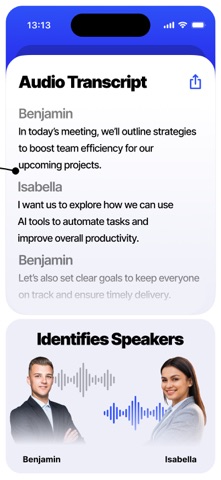
Record speech in AllNotes and read the transcript on iPhone or iPad. Replay the audio when you need to verify a name, number, or quote.
How to transcribe spoken audio
- Open AllNotes and start a voice recording. Place the iPhone close to the speaker and ask permission before recording anyone else.
- Stop the recording, open the note, and wait for the transcript to become available.
- Read the transcript alongside the recording. Check proper nouns, dates, amounts, and any lines that were hard to hear.
What a transcript preserves
A spoken update such as “Maya will email the revised draft on Thursday, after Leo checks the totals” keeps the names, timing and dependency together in a transcript. Compare that line with the audio before copying it into a project note.
When to replay the source
Room noise and overlapping speech can change how a phrase is transcribed. For a long recording, check the available processing access in your app, and keep the original audio when exact wording matters.